Budget Android Tablets With Keyboard: What to Know Before You Buy
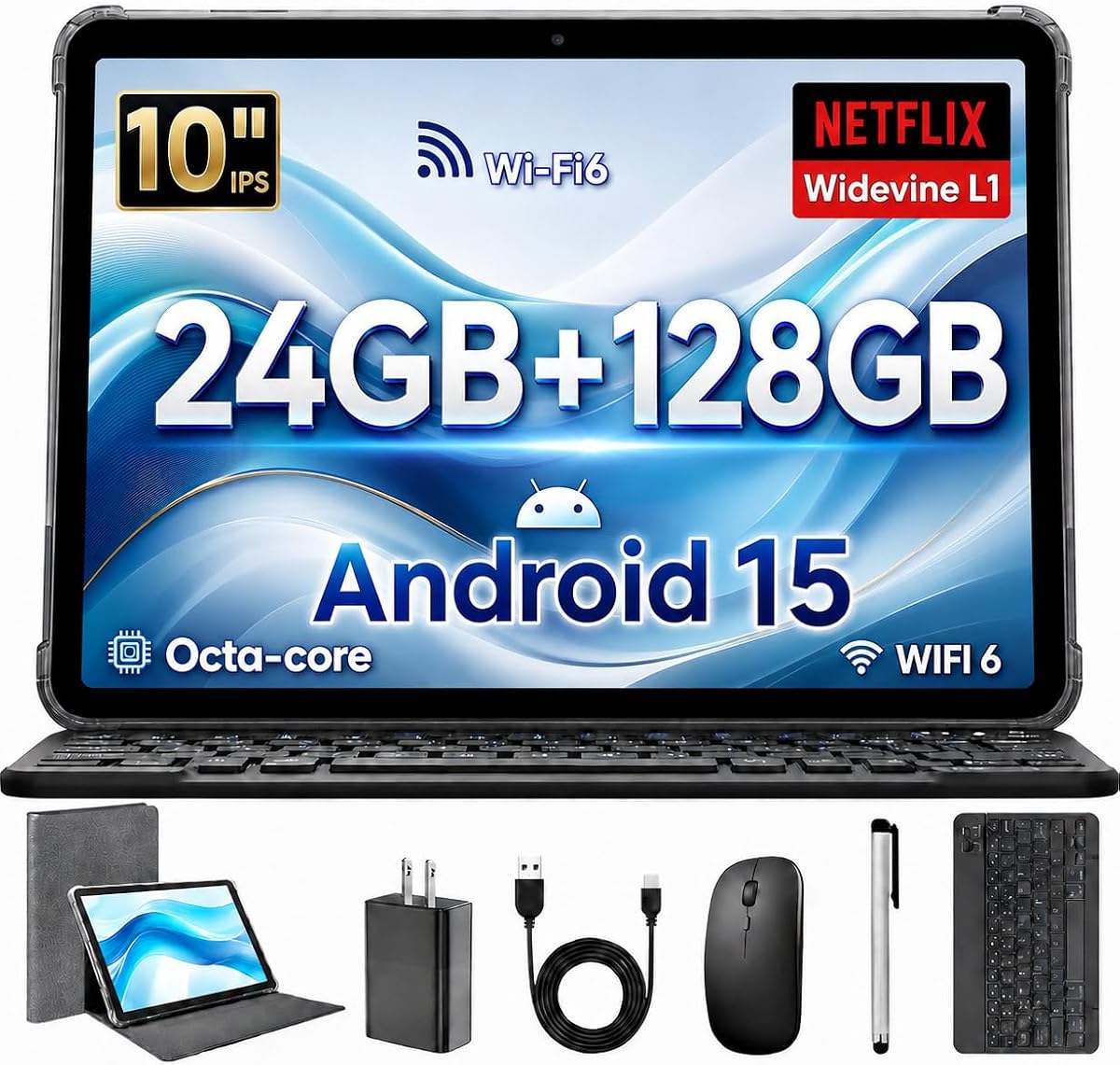
This 10-inch Android 15 tablet bundles a keyboard and mouse, targets students and light remote workers, and claims 24GB RAM (likely including virtual memory) plus a 6000mAh battery. Before buying, understand how budget tablets balance specs, build quality, and real-world performance.
Key Considerations Before Buying
- RAM claims on budget tablets often combine physical and virtual memory; verify the actual physical RAM (typically 4–8GB) and how it affects multitasking with the keyboard and mouse.
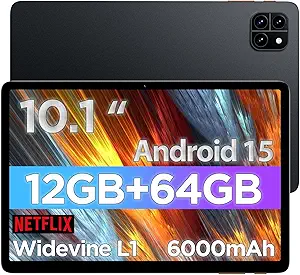
- Battery capacity of 6000mAh is average for a 10-inch tablet; expect 6–8 hours of mixed use, but heavy streaming or gaming will drain it faster.
- The included keyboard and mouse are usually basic; check whether the keyboard connects via pogo pins or Bluetooth, as this affects typing feel and portability.
What Our Analysts Recommend
Look for a 1080p display (not just 'HD'), a recent Android version with guaranteed updates, and a processor from a known brand like MediaTek or Unisoc. Also confirm the keyboard is included in the box and not a separate purchase.
Tablets Market Context
Market Overview
The budget Android tablet market is flooded with unbranded devices that promise high specs at low prices, often from lesser-known manufacturers. Many of these tablets are sold with keyboard and mouse bundles to appeal to students and remote workers on tight budgets. However, spec inflation—especially around RAM and storage—is common, so buyers should scrutinize claims.
Common Issues
Common problems include exaggerated RAM (e.g., 24GB often means 8GB physical + 16GB virtual), sluggish performance after updates, poor build quality, and limited software support. Battery life can also fall short of expectations, and the included accessories may feel flimsy.
Quality Indicators
Quality indicators include a clear brand name, detailed spec sheets that distinguish physical vs. virtual RAM, and a reasonable price point (typically $150–$250 CAD for this configuration). Positive reviews that mention long-term use and customer service are also good signs.
Review Authenticity Insights
Grade C Interpretation
A Grade B authenticity rating with an estimated 15% fake reviews means most reviews are likely genuine, but a notable minority may be incentivized or fake. The perfect 5.00 rating from only 6 reviews is suspiciously high, but the adjusted 4.60 rating suggests real users are generally satisfied.
Trust Recommendation
Trust the adjusted rating of 4.60 more than the perfect 5.00. Look for reviews that mention specific use cases, such as note-taking or video calls, and be wary of generic praise. Since all reviews are verified purchases, they are more reliable, but still cross-check with external sources.
Tips for Reading Reviews
Focus on reviews that detail performance after several weeks, battery life, and keyboard durability. Ignore reviews that only praise the price or shipping speed. Check if reviewers mention the actual physical RAM and whether the tablet slows down with multiple apps.
Expert Perspective
This tablet offers a tempting package for budget-conscious buyers: Android 15, a keyboard, mouse, and a 10-inch screen. However, the 24GB RAM claim is likely inflated, and the 6000mAh battery is only average. The high adjusted rating suggests it satisfies basic needs, but long-term reliability and software updates are uncertain.
Purchase Considerations
Weigh the low price against potential compromises in build quality, display resolution, and processor speed. If you need a device for light web browsing, email, and document editing, it may suffice. For gaming or heavy multitasking, consider a more established brand.
Comparing Alternatives
Compare with similarly priced tablets from brands like Samsung, Lenovo, or Amazon before deciding. Reading reviews for those alternatives can provide a baseline for performance and support.