
External Blu-ray Drive Buying Guide: Speed, Compatibility, and Format Support
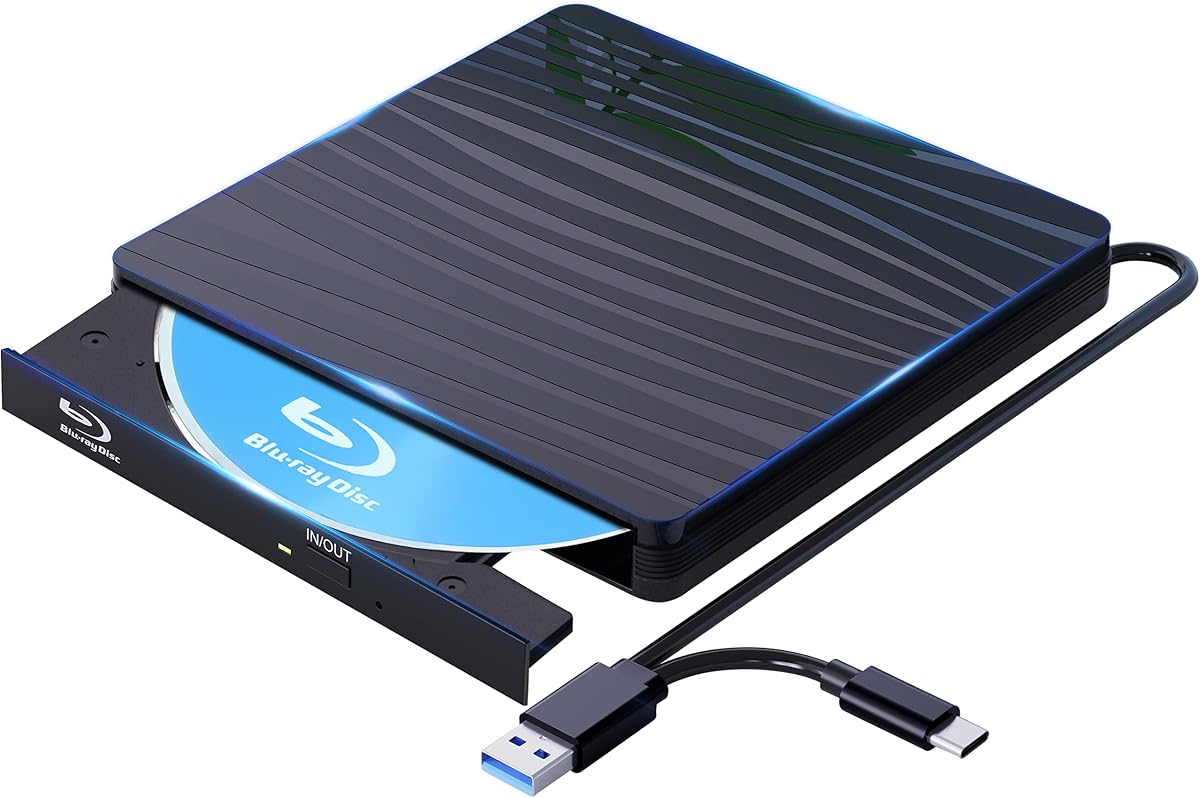
This external Blu-ray drive combines USB 3.0 and Type-C connectivity with claimed 50G Blu-ray support, targeting laptops and desktops lacking built-in optical drives. Before buying, understand the real-world performance of portable Blu-ray drives and how to avoid common pitfalls like software limitations and power issues.
Key Considerations Before Buying
- Blu-ray playback requires compatible software (often not included) and HDCP-compliant hardware; without it, you can't watch commercial Blu-ray movies. Check if the drive includes or recommends software like PowerDVD or Leawo.
- USB 3.0 and Type-C are essential for Blu-ray data transfer rates; USB 2.0 will bottleneck performance, causing stuttering or failed burns. Ensure your computer has the right port or an adapter.
- Portable drives often rely on bus power; if your USB port doesn't supply enough power, you may need a Y-cable or external power source, especially for burning dual-layer Blu-rays.
What Our Analysts Recommend
Look for explicit support for BD-RE (rewritable) and BDXL (100GB+) if you need large capacities, though this model claims 50G (likely BD-R DL). Check user reviews for reliability in reading scratched discs and noise levels during operation.
CD & DVD Drives Market Context
Market Overview
External optical drives are a niche but steady market as laptops omit built-in drives. Blu-ray models are less common than DVD-only drives, with many budget options lacking true Blu-ray playback due to licensing costs. Demand persists for archiving, media playback, and legacy software installation.
Common Issues
Frequent complaints include drives not reading Blu-ray discs due to insufficient power, failure to play commercial movies without third-party software, and short lifespans of the laser mechanism. Compatibility with newer operating systems like Windows 11 can be spotty without updated drivers.
Quality Indicators
A quality external Blu-ray drive should specify supported formats (BD-ROM, BD-R, BD-RE, DVD±RW), include a robust cable, and have a metal casing for heat dissipation. Brand reputation and clear software recommendations are also positive signs.
Review Authenticity Insights
Grade B Interpretation
A Grade B authenticity rating with 15% estimated fake reviews indicates a moderate risk of misleading feedback. While most reviews are genuine, some may be incentivized or exaggerated, so the adjusted rating of 3.80/5 is more reliable than the 4.11/5 average.
Trust Recommendation
Trust the adjusted rating and focus on reviews that detail specific use cases, such as playing Blu-ray movies or burning discs. Be cautious of reviews that only praise the product without mentioning limitations.
Tips for Reading Reviews
Look for reviews that mention the software used, the types of discs tested, and the computer's operating system. Pay attention to complaints about power draw or compatibility, as these are common pain points for external Blu-ray drives.
Expert Perspective
This external Blu-ray drive offers a convenient solution for accessing physical media on modern computers, but its 3.80 adjusted rating suggests mixed user experiences. The claimed 50G capacity likely refers to dual-layer Blu-ray discs, not BDXL, so verify if that meets your needs. The inclusion of both Type-C and USB 3.0 is a plus for connectivity, but potential buyers should be aware of software and power requirements.
Purchase Considerations
Weigh the cost against the need for Blu-ray playback versus DVD-only use. If you primarily watch movies, ensure you have compatible software and a sufficiently powered USB port. For data archiving, consider whether 50GB per disc is sufficient or if you need larger capacities.
Comparing Alternatives
Compare with other external Blu-ray drives from brands like LG, Pioneer, or ASUS, which may offer better software bundles or proven reliability, albeit at a higher price.


