
Choosing a 32-inch 4K gaming monitor: balancing resolution, refresh rate, and HDR performance
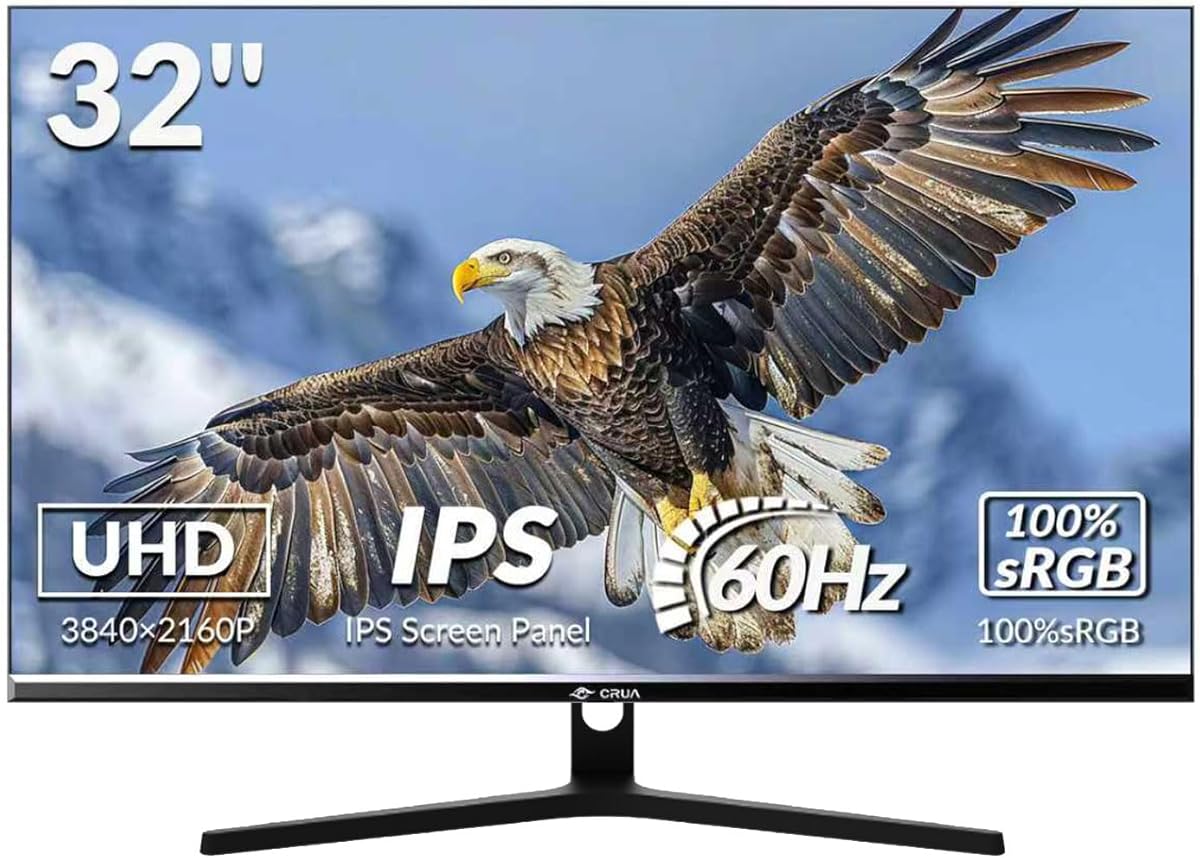
The CRUA 32-inch 4K gaming monitor presents a specific configuration that prioritizes visual fidelity over high refresh rates. Buyers should understand that its 60Hz refresh rate and HDR400 certification create a particular gaming experience suited for visually rich, slower-paced titles rather than competitive esports. This monitor's 98% DCI-P3 color coverage and AMD FreeSync support indicate a focus on color accuracy and smooth frame delivery within its refresh limitations.
Key Considerations Before Buying
- The 60Hz refresh rate makes this monitor unsuitable for competitive FPS gaming where 144Hz+ is standard, but adequate for strategy, RPG, and cinematic single-player experiences where 4K detail matters more.
- HDR400 is an entry-level HDR implementation that provides modest brightness improvements over SDR, not the transformative experience of higher-tier HDR600 or HDR1000 displays.
- The 32-inch screen size at 4K resolution delivers excellent pixel density (approximately 138 PPI), providing sharp text and detailed imagery without needing scaling in most applications.
What Our Analysts Recommend
For monitors in this class, examine the panel type—this model's 1ms GtG response suggests a fast IPS or VA panel, which should be verified in reviews for actual motion clarity. Check for consistent backlight uniformity at this size, as 32-inch screens can show corner dimming. The inclusion of height adjustment and portrait mode indicates better build quality than fixed-position displays.
Monitors Market Context
Market Overview
The 32-inch 4K gaming monitor segment has become increasingly competitive, with models now spanning from budget 60Hz options like this CRUA to premium 144Hz+ displays costing significantly more. Manufacturers are differentiating through panel technology (IPS vs VA), HDR tiers, and connectivity options, with USB-C becoming a standard expectation in newer models.
Common Issues
At this price point, common compromises include limited HDR performance, basic stand adjustments despite advertised flexibility, and potential backlight bleed on larger panels. Some 4K 60Hz monitors also struggle with input lag in gaming scenarios, despite fast pixel response claims.
Quality Indicators
Look for monitors with factory color calibration reports, robust OSD menus with gaming presets, and multiple display inputs (DisplayPort 1.4, HDMI 2.0) to support 4K 60Hz without compression. The inclusion of AMD FreeSync Premium (not just basic FreeSync) would indicate better variable refresh rate implementation.
Review Authenticity Insights
Grade B Interpretation
A Grade B authenticity rating with 11% estimated fake reviews suggests mostly reliable feedback, but shoppers should be slightly more critical than with an A-grade product. The 0.24-point drop from the raw 4.44 to adjusted 4.20 rating indicates some review inflation, though the core rating remains strongly positive.
Trust Recommendation
Focus on verified purchase reviews that discuss specific performance aspects like HDR implementation in games, text clarity for productivity, and the actual smoothness of the 60Hz FreeSync experience. Be particularly skeptical of reviews that don't mention the refresh rate limitation or that overstate HDR400 capabilities.
Tips for Reading Reviews
For this monitor, prioritize reviews that compare it directly to other 32-inch 4K displays and that test the advertised 1ms response time in fast-motion gaming. Look for discussions about the stand's actual adjustability range and whether the portrait mode is practically usable given the monitor's size and weight.
Expert Perspective
The CRUA 32-inch represents a value-oriented approach to 4K gaming, trading high refresh rates for resolution and color accuracy at a likely competitive price point. Its specifications suggest it's best suited for gamers who prioritize visual immersion in single-player titles and also need a sharp display for productivity. The strong adjusted rating of 4.20/5 from genuine reviews indicates it delivers satisfactory performance within its intended use case, though the 60Hz ceiling will disappoint competitive gamers.
Purchase Considerations
Consider this monitor if your gaming focuses on visually stunning titles like RPGs, adventure games, or simulations where 4K detail enhances immersion. Weigh whether you truly need 32 inches versus 27 inches at 4K, as the larger size demands more desk space but provides greater immersion. Verify that your graphics card can consistently deliver 4K resolution at playable frame rates, as struggling to maintain 60 FPS will undermine the experience.
Comparing Alternatives
Shoppers should compare this monitor against similarly priced 32-inch 4K displays from brands like LG, Samsung, and Gigabyte, paying particular attention to panel type differences and warranty terms.

![Q27G40E/11 [27 type gaming LCD display / 2560 x 1440 / HDMI, DisplayPort / Speaker: None / 180Hz]](https://m.media-amazon.com/images/I/81FpmZwXBUL._AC_SY300_SX300_QL70_ML2_.jpg)


