Why the StarTech SATA to USB Adapter Excels for Data Recovery
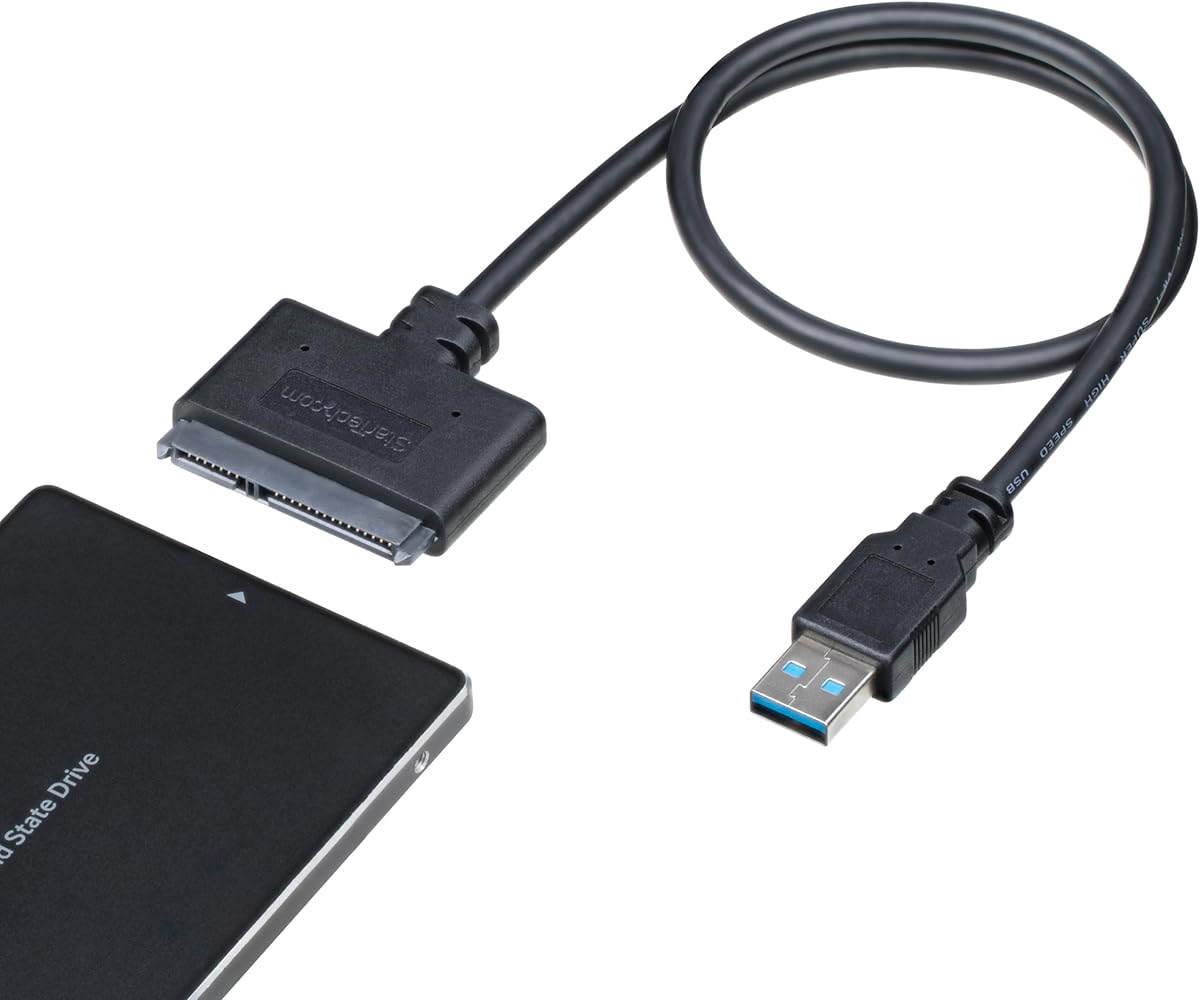
If you're looking to recover files from a dead laptop or clone a 2.5-inch SATA III drive, the StarTech SATA to USB Adapter offers a straightforward, USB 5Gbps solution that works with both Windows and Mac. This guide helps you understand what to look for in such adapters, especially for high-speed data transfers from HDDs and SSDs.
Key Considerations Before Buying
- Check for USB 5Gbps (USB 3.0) support to ensure fast read/write speeds, especially when cloning large SSDs or recovering data from a broken laptop.
- Ensure the adapter is compatible with both 2.5-inch SATA III drives and your operating system—this StarTech model is designed for Windows laptops and Macbooks, but verify your specific OS version.
- Consider cable length and build quality; a short, flexible cable reduces clutter and strain on the drive connector, which is critical for frequent use.
What Our Analysts Recommend
Look for adapters with a robust chipset that supports UASP (USB Attached SCSI Protocol) for faster transfers. Verified purchase reviews that mention specific use cases—like file recovery or drive cloning—are strong indicators of reliability. Also, check for a compact design that doesn't require external power for 2.5-inch drives.
SATA Cables Market Context
Market Overview
The SATA to USB adapter market is crowded with budget options, but quality varies widely. Many consumers use these adapters for data recovery from old laptops or upgrading to SSDs, driving demand for reliable, high-speed connections.
Common Issues
Common problems include poor compatibility with certain SSD brands, slow transfer speeds due to outdated USB 2.0 chipsets, and cables that fail after limited use. Some adapters also struggle with 2.5-inch drives that draw more power.
Quality Indicators
Quality adapters feature a branded controller chip (e.g., ASMedia or JMicron), support UASP, and include a short, shielded cable. Positive reviews with specific technical details, like 'achieved 400 MB/s read speeds,' signal a trustworthy product.
Review Authenticity Insights
Grade B Interpretation
A Grade B with an estimated 10% fake review rate suggests that while most reviews are genuine, a small portion may be incentivized or untrustworthy. This is typical for popular Amazon products, but the 4.67 average rating (adjusted to 4.40) remains strong.
Trust Recommendation
Focus on verified purchase reviews that describe specific, real-world tasks like 'recovered data from a dead MacBook' or 'cloned my SSD in 20 minutes.' These are more reliable than generic praise. The adjusted rating of 4.40 reinforces that this adapter performs well despite a few suspicious reviews.
Tips for Reading Reviews
When reading reviews, prioritize those with photos or videos showing the adapter in use with specific drive models. Look for mentions of transfer speeds (e.g., 'USB 3.0 speeds') or compatibility with both HDDs and SSDs. Ignore reviews that lack detail or seem overly promotional.
Expert Perspective
The StarTech SATA to USB Adapter is a strong performer in its category, backed by a high adjusted rating of 4.40 and a low 10% fake review rate. Its USB 5Gbps speed and broad OS support make it ideal for data recovery or drive cloning tasks. The genuine reviews highlight consistent reliability, though the Grade B authenticity rating suggests caution with a small subset of reviews. For most users, this adapter offers a solid balance of performance and trustworthiness.
Purchase Considerations
Weigh the need for USB 5Gbps speed versus cost—this adapter is priced competitively for its capabilities. If you frequently handle 2.5-inch drives or need a tool for emergency data recovery, it's a worthwhile investment. However, for occasional use, a cheaper USB 2.0 adapter might suffice.
Comparing Alternatives
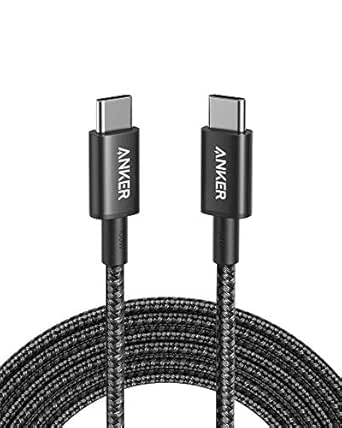
Shoppers should compare this adapter with other top-rated models, such as those from Sabrent or Anker, especially if they need USB-C connectivity or support for 3.5-inch drives.