
Choosing a 27-inch QHD gaming monitor: balancing refresh rate, panel quality, and connectivity
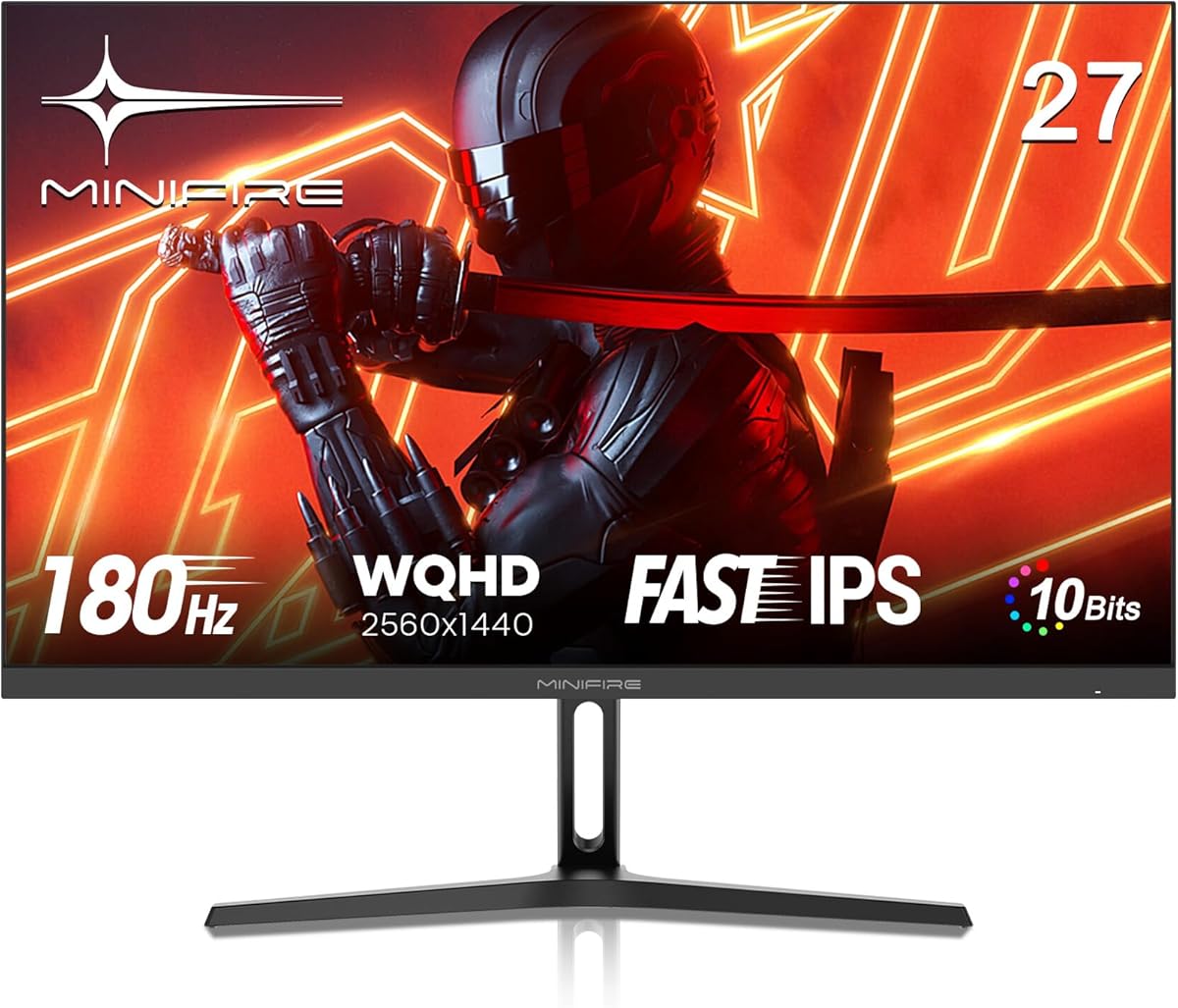
When evaluating the Minifire MFG27F4Q, focus on how its specific 180Hz refresh rate and IPS panel with 90% DCI-P3 colour gamut translate to real-world gaming. This monitor's combination of QHD resolution and high refresh rate targets competitive gamers who also value colour accuracy, but the HDMI 2.0 and DP 1.2 ports may limit future-proofing.
Key Considerations Before Buying
- The 180Hz refresh rate offers a tangible but diminishing improvement over 144Hz for fast-paced games, but requires a GPU capable of driving QHD resolution at high frame rates to be fully utilised.
- The 90% DCI-P3 colour coverage and 10-bit depth (likely 8-bit+FRC) suggest good colour reproduction for gaming and media, though the HDR implementation is likely basic given typical monitor HDR400-tier performance.
- Connectivity with HDMI 2.0 and DisplayPort 1.2 may limit high refresh rate potential on some consoles or future GPUs, as HDMI 2.0 maxes at 144Hz at QHD without compression.
What Our Analysts Recommend
Examine real user feedback on the IPS panel's uniformity and backlight bleed, common issues in this price segment. Pay particular attention to reviews discussing the actual performance of Adaptive Sync with both AMD and NVIDIA cards, and whether the 1ms MPRT (Moving Picture Response Time) claim holds up in fast motion without excessive ghosting or overshoot.
Monitors Market Context
Market Overview
The 27-inch QHD gaming monitor market is intensely competitive, with numerous brands offering similar specifications around the £250-£350 price point. Differentiation typically comes from panel quality consistency, stand features, and software extras like the AI Crosshair mentioned here.
Common Issues
At this price, common compromises include basic stands with limited adjustability, mediocre HDR performance despite the badge, and potential panel lottery where some units exhibit noticeable backlight bleed or colour uniformity issues. The 'Eye Care' features vary significantly in actual effectiveness between models.
Quality Indicators
Look for consistent praise regarding minimal IPS glow, stable Adaptive Sync implementation across its full range (likely 48-180Hz), and thoughtful OSD (On-Screen Display) navigation. High-quality 27-inch QHD panels should deliver sharp text clarity alongside smooth gaming motion.
Review Authenticity Insights
Grade B Interpretation
A Grade B with 12% estimated fake reviews indicates generally reliable feedback, though approximately 1 in 8 reviews may be inauthentic. The drop from 4.13 to 3.90 when excluding suspicious reviews suggests some positive inflation, but the substantial verified purchase base (1647 reviews) provides a solid foundation for assessment.
Trust Recommendation
Prioritise reviews that discuss specific technical aspects like Adaptive Sync performance with their GPU model, colour calibration results, or detailed descriptions of the OSD menu and AI Crosshair functionality. Be slightly more sceptical of overly generic 5-star reviews that don't mention these monitor-specific features.
Tips for Reading Reviews
Focus on mid-range (3-4 star) reviews for balanced perspectives, and specifically search for terms like 'backlight bleed', 'colour accuracy out of box', and '180Hz stability' to find technically informed feedback. Reviews mentioning long-term use (3+ months) are particularly valuable for assessing durability.
Expert Perspective
The Minifire MFG27F4Q presents a compelling specification sheet for its likely price segment, particularly the 180Hz refresh rate on an IPS panel with wide colour gamut. However, the DisplayPort 1.2 and HDMI 2.0 connectivity represents a cost-saving measure that may affect users with newer graphics cards or consoles seeking uncompressed high refresh rates. The adjusted 3.90 rating from verified purchasers suggests the real-world experience meets but doesn't significantly exceed expectations for this category.
Purchase Considerations
This monitor makes most sense for PC gamers with mid-range GPUs (RTX 3060 Ti/6700 XT or above) who can drive QHD at high frame rates, and who value colour quality for both gaming and content consumption. Consider whether you truly need 180Hz over 144Hz, and verify your specific GPU's output capabilities match the monitor's DP 1.2/HDMI 2.0 limitations.
Comparing Alternatives
Compare directly with monitors offering similar specs but potentially newer connectivity (HDMI 2.1, DP 1.4) or better stands, as these often represent the key differentiators in this crowded market segment.






