Choose a Dual-Bay Docking Station That Clones Offline
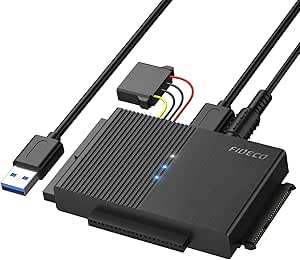
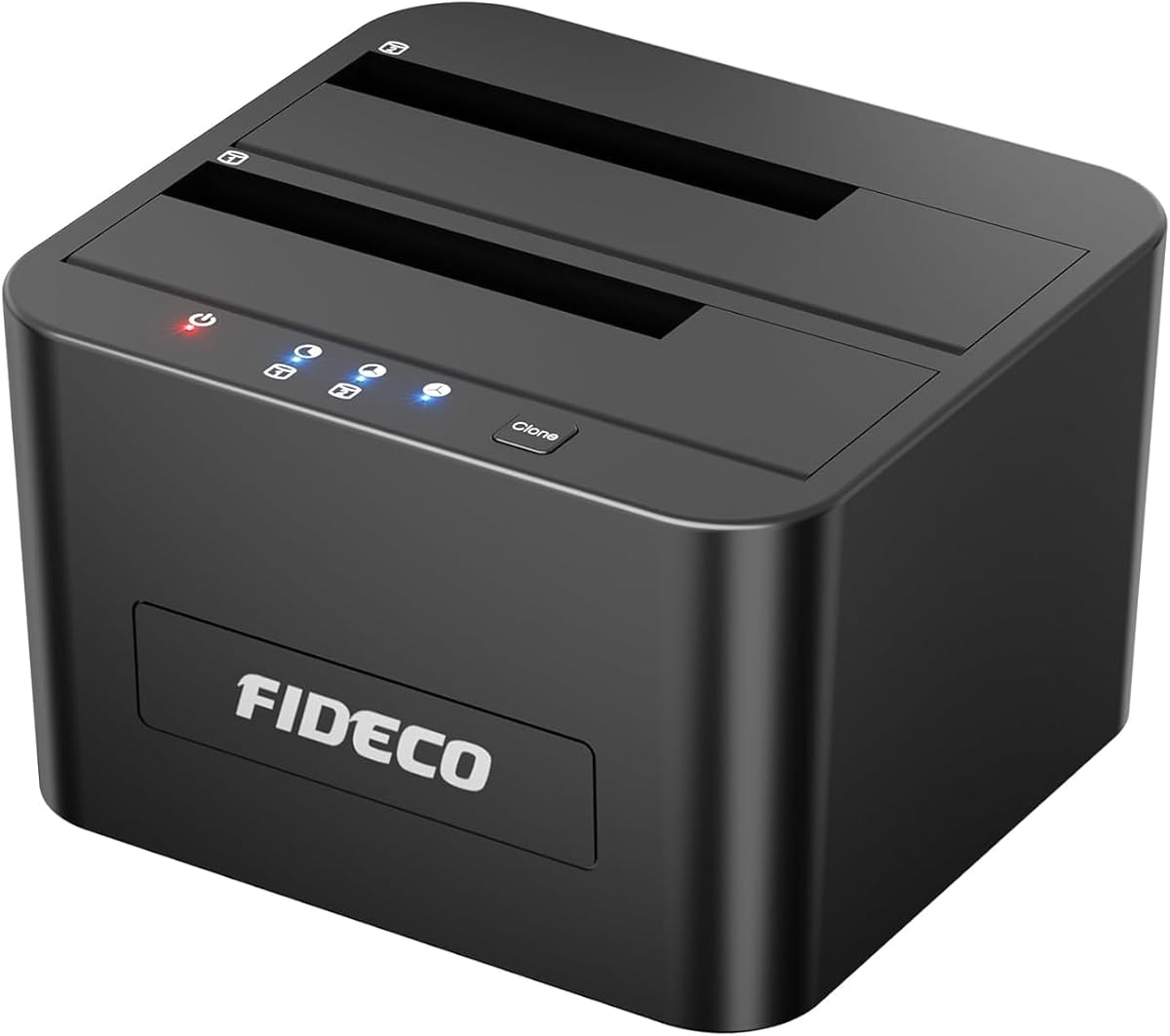
When selecting a hard drive docking station like the FIDECO USB 3.0 model, you need to ensure it supports both 2.5-inch and 3.5-inch SATA drives, whether HDD or SSD. The dual-bay design is crucial for tasks like offline cloning, which allows you to copy data without a computer. This guide focuses on key factors to maximize performance and reliability.
Key Considerations Before Buying
- Verify that the docking station supports offline cloning, as the FIDECO model does, which lets you duplicate drives independently of a PC, saving time and reducing system load.
- Check compatibility with both 2.5-inch and 3.5-inch SATA drives, ensuring it can handle SSDs for faster data transfer and HDDs for larger storage capacity.
- Consider the USB interface version—USB 3.0 offers speeds up to 5 Gbps, which is essential for efficient backups and cloning without bottlenecks.
What Our Analysts Recommend
Look for a docking station with robust build quality to handle frequent drive swaps, and ensure it includes a power adapter for 3.5-inch drives that require external power. Also, prioritize models with clear LED indicators to show drive activity and cloning status.
Docking Stations Market Context
Market Overview
The hard drive docking station market has grown with the rise of data backup and migration needs, especially for users upgrading to SSDs. USB 3.0 remains a standard for balance of speed and affordability, though USB 3.1 and USB-C options are emerging for faster transfers.
Common Issues
Common issues include unreliable power supplies that can damage drives, poor connector durability leading to intermittent connections, and lack of support for larger capacity drives (over 10TB). Some models also fail to properly support offline cloning, which is a key feature for many users.
Quality Indicators
High-quality docking stations feature metal casings for heat dissipation, UASP (USB Attached SCSI Protocol) support for improved performance, and independent power switches for each bay. Verified positive reviews highlighting consistent cloning success are strong indicators of reliability.
Review Authenticity Insights
Grade B Interpretation
With a Grade B and an estimated 10% fake review rate, the FIDECO docking station has a majority of genuine reviews, but a small portion may be incentivized or fabricated. This is typical for popular electronics, where some sellers boost ratings, but the high 5.00/5 average (adjusted to 4.80/5) suggests real user satisfaction.
Trust Recommendation
You can trust the overall positive sentiment, but focus on reviews that describe specific cloning scenarios or long-term use. Verified purchase tags and detailed accounts of setup or troubleshooting offer the most reliable insights.
Tips for Reading Reviews
For docking stations, prioritize reviews that mention drive capacity, speed tests, and cloning success with specific brands. Ignore vague praise like 'works great' and look for comments on heat management or compatibility with SSDs.
Expert Perspective
The FIDECO Hard Drive Docking Station stands out for its offline clone feature, which adds significant value for data migration without a computer. Its dual-bay USB 3.0 design supports both 2.5-inch and 3.5-inch drives, balancing speed and versatility. The adjusted rating of 4.80 out of 5, based on over 5,500 reviews, indicates strong real-world performance, but the 10% fake review rate warrants cautious optimism.
Purchase Considerations
Consider this docking station if you frequently back up or clone drives and need a simple, standalone solution. However, if you require faster transfer speeds or USB-C connectivity, you might explore newer models. Ensure your drives are SATA-based, as this model doesn't support NVMe or IDE interfaces.
Comparing Alternatives
Shoppers should compare the FIDECO with dual-bay docks from brands like Sabrent or Anker, especially for UASP support or higher build quality, though these often come at a higher price.