Choosing a 1080p webcam: What the ToLuLu model reveals about essential features
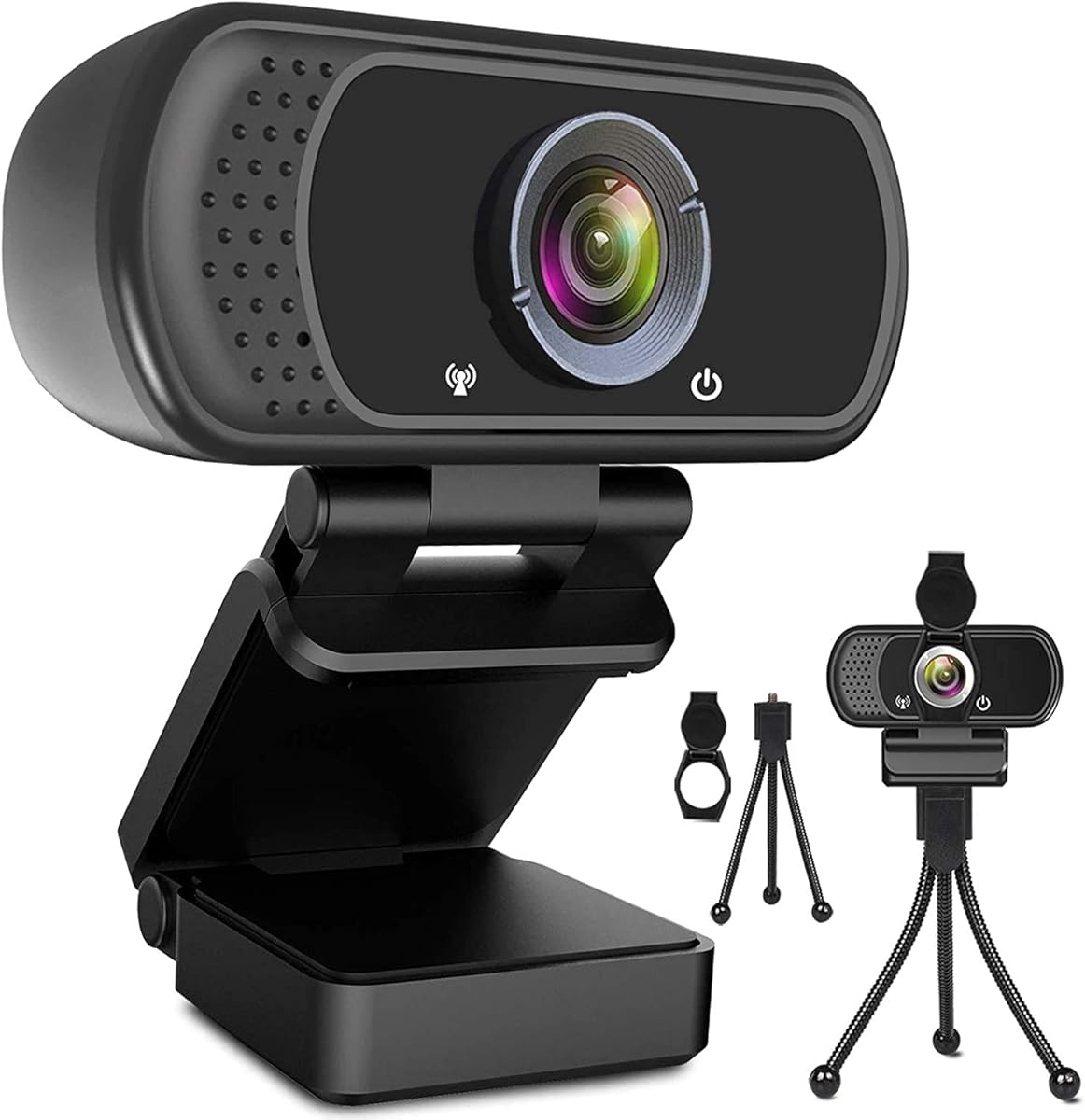
When evaluating the ToLuLu 1080P Webcam, buyers should focus on how its bundled tripod stand and integrated microphone address common setup and audio challenges. This specific model highlights that a complete package—camera, mic, and physical support—often delivers more value than a standalone camera, especially for users on laptops with poor built-in webcams.
Key Considerations Before Buying
- The included tripod stand is crucial for achieving a flattering eye-level angle, which the ToLuLu provides, unlike webcams that only clip to a monitor.
- Assess the microphone's ability to filter ambient noise, a key factor for clear conferencing that many budget webcams like this one struggle with consistently.
- Consider the lens's low-light performance; 1080p resolution means little if the image becomes grainy in typical home office lighting.
What Our Analysts Recommend
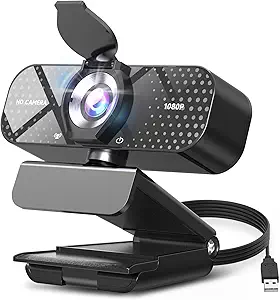
For USB webcams, prioritize models with wide dynamic range (WDR) to handle backlighting from windows. Check for a physical privacy shutter, which the ToLuLu lacks, and ensure the mounting mechanism is robust enough for your monitor's thickness or desk placement.
Webcams Market Context
Market Overview
The budget 1080p webcam market is saturated with brands like ToLuLu offering similar specs, making differentiation dependent on build quality and included accessories. Post-pandemic demand has shifted from mere availability to valuing features like noise-canceling mics and flexible mounting for hybrid work.
Common Issues
Common pitfalls include plastic lenses that scratch easily, fixed-focus mechanisms that blur if you move, and microphones that pick up excessive keyboard noise. Many budget models also suffer from over-sharpened video processing that creates an artificial look.
Quality Indicators
Look for reviews mentioning consistent plug-and-play compatibility across Windows, macOS, and ChromeOS. Genuine praise often highlights smooth autofocus, a sturdy tripod head, and a USB cable that's long enough (over 4 feet) for flexible positioning.
Review Authenticity Insights
Grade B Interpretation
A Grade B with an 11% estimated fake review rate suggests the ToLuLu webcam's reviews are generally reliable but require careful scrutiny. This grade indicates a solid core of authentic feedback, though a small portion of reviews may be incentivized or overly promotional.
Trust Recommendation
Focus on the 4.30 adjusted rating from verified purchases, which filters some inflated praise. Pay particular attention to 3- and 4-star reviews, as they often detail specific trade-offs, like the microphone quality versus video sharpness, that 5-star reviews might gloss over.
Tips for Reading Reviews
Search reviews for mentions of long-term use (3+ months) to check for durability issues like a loose tripod joint. Be wary of reviews that only praise packaging or delivery speed, and instead seek out those describing specific use cases like Zoom teaching or YouTube streaming.
Expert Perspective
The ToLuLu webcam presents a classic value proposition: decent 1080p video and a complete accessory kit at a budget price. Its 4.30 adjusted rating from over 25,000 reviews indicates it reliably meets basic needs for video calls, though it likely compromises on premium features like a glass lens or advanced noise cancellation. The high volume of verified reviews suggests widespread adoption, typically meaning good driver support and minimal compatibility issues.
Purchase Considerations
Weigh the convenience of the all-in-one package against potential limitations in audio fidelity and low-light performance. If your primary use is well-lit professional meetings where audio is handled separately, this webcam is sufficient; for content creation or poor lighting, consider investing more.
Comparing Alternatives
Shoppers should compare the ToLuLu's tripod-inclusive value against similarly priced clip-on models from brands like NexiGo or Angetube, which may offer better digital zoom or software features.