Choosing a Wi-Fi 6 Router: Balancing Speed, Features, and Home Network Needs
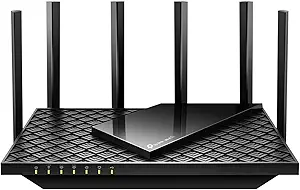
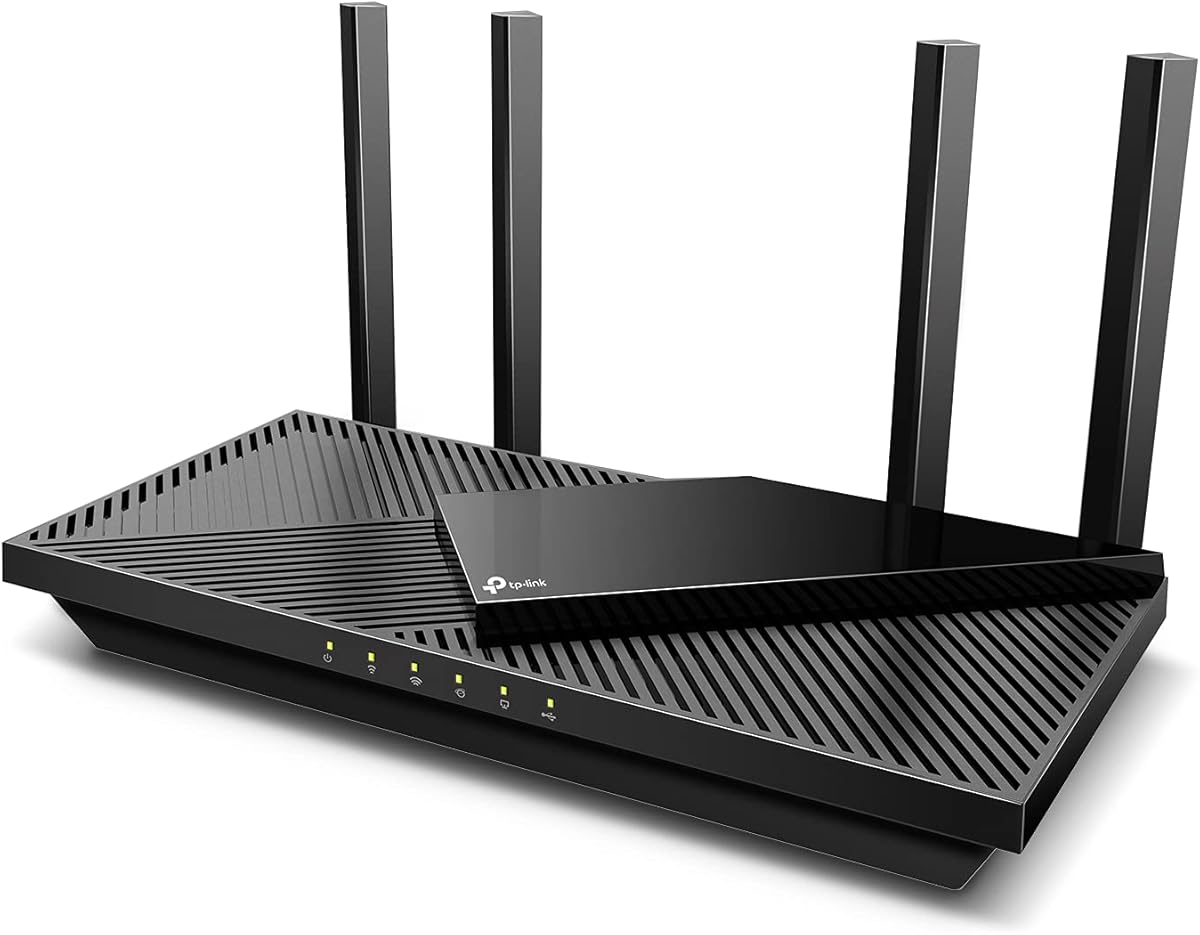
When evaluating the TP-Link Archer AX55, focus on its specific AX3000-class performance and feature set. This router's value lies in its Wi-Fi 6 (802.11ax) capabilities, including OFDMA and MU-MIMO for handling multiple devices, which is crucial for modern smart homes. Consider whether its EasyMesh compatibility for future expansion and built-in VPN server/client functionality align with your long-term networking plans.
Key Considerations Before Buying
- Assess your internet plan: The AX55's gigabit ports and AX3000 wireless speeds are ideal for plans above 300Mbps, but won't improve speeds on slower connections.
- Evaluate device compatibility: While Wi-Fi 6 benefits newer devices, ensure your laptops, phones, and tablets support 802.11ax to fully utilize the performance gains.
- Consider advanced features: The USB 3.0 port for network storage and HomeShield security suite add value but require technical comfort to configure effectively.
What Our Analysts Recommend
For Wi-Fi 6 routers like the AX55, examine real-world range tests in reviews, particularly for dual-band performance across walls. Quality indicators include consistent firmware updates from TP-Link and stable performance under load from 20+ connected devices, which this model's OFDMA technology is designed to handle.
Routers Market Context
Market Overview
The mid-range Wi-Fi 6 router market is highly competitive, with the Archer AX55 positioned against similar AX3000-class models from ASUS, Netgear, and Linksys. This segment focuses on delivering next-gen wireless features without premium pricing, making mesh compatibility like EasyMesh increasingly standard for future-proofing.
Common Issues
Consumers often overestimate Wi-Fi 6 range improvements, as the technology prioritizes efficiency and multi-device handling over raw distance. Many users struggle with optimal placement and configuration of advanced features like VPN server setup or QoS settings for gaming.
Quality Indicators
Look for routers with robust QoS (Quality of Service) implementations, consistent 5GHz band performance, and manufacturer support for security updates. The AX55's 'Secure by Design' certification and TP-Link's established firmware track record are positive indicators in this category.
Review Authenticity Insights
Grade B Interpretation
A Grade B authenticity rating with 11% estimated fake reviews suggests generally reliable feedback, but requires discerning reading. The adjusted rating of 4.60/5 (down from 4.89) indicates some review inflation, though the majority of experiences appear genuine based on technical details and usage narratives.
Trust Recommendation
Prioritize verified purchase reviews that mention specific use cases like gaming latency, 4K streaming performance, or compatibility with particular ISPs. Be skeptical of reviews lacking technical context or those that seem overly focused on setup ease without discussing long-term reliability.
Tips for Reading Reviews
For technical products like routers, seek reviews discussing firmware update experiences, heat management over months of use, and real-world speed tests. Pay special attention to comments about the USB 3.0 port's transfer speeds and HomeShield's impact on network performance, as these are specific AX55 features.
Expert Perspective
The Archer AX55 presents a strong value proposition in the mid-tier Wi-Fi 6 market, particularly for users upgrading from older AC routers. Its 4.60 adjusted rating reflects genuine satisfaction with performance gains, though the 11% fake review rate warrants caution. The router excels in multi-device households where OFDMA and MU-MIMO can manage simultaneous streaming, gaming, and work-from-home traffic efficiently. The inclusion of VPN server capability and EasyMesh compatibility adds future-proofing that many competitors reserve for higher-priced models.
Purchase Considerations
Weigh the AX55's dual-band architecture against tri-band alternatives if you have exceptionally dense device environments. Consider whether TP-Link's ecosystem integration matters for your smart home devices, and verify that your ISP's modem compatibility aligns with this router's requirements. The USB 3.0 port is valuable for lightweight network storage but isn't a full NAS replacement.
Comparing Alternatives
Shoppers should compare the AX55 against similarly priced Wi-Fi 6 routers like the ASUS RT-AX55 or Netgear RAX35, paying attention to warranty terms and firmware update policies.