
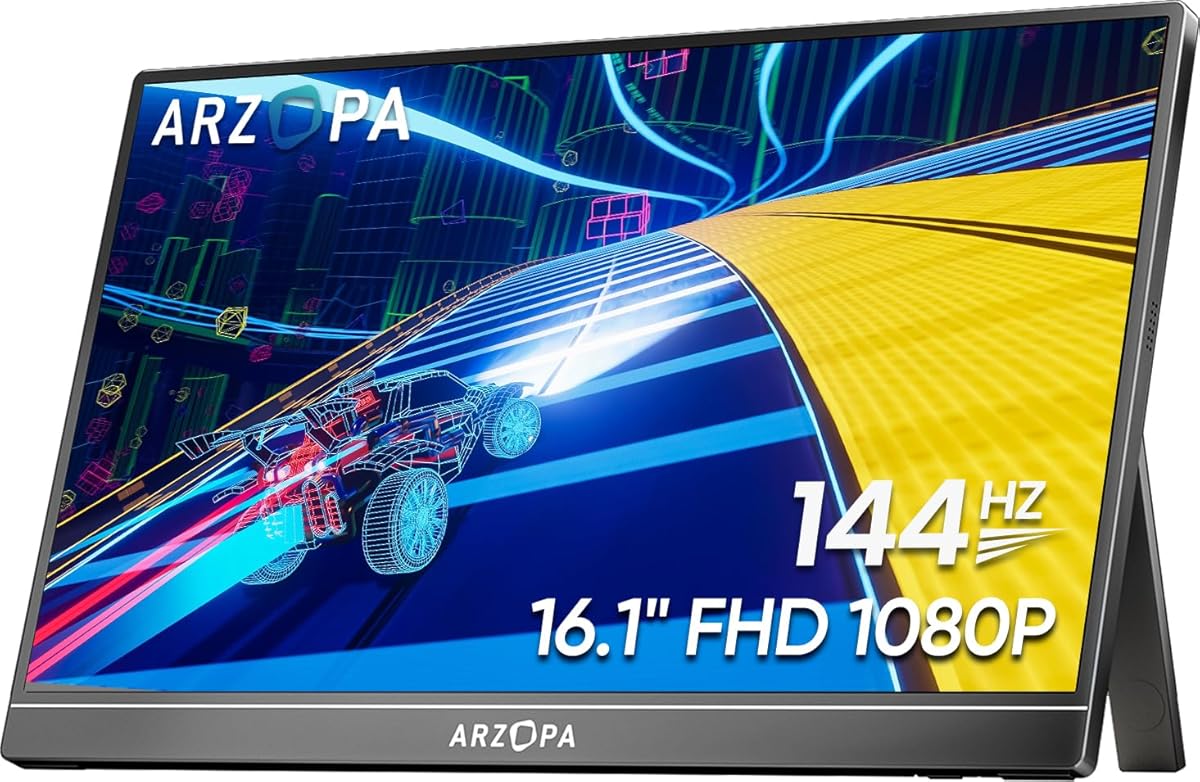
Portable 144Hz Gaming: Is the ARZOPA Z1FC Your Ideal Travel Companion?
If you're a gamer or professional needing a secondary screen on the go, the ARZOPA 16.1'' 144Hz portable monitor offers a compelling mix of high refresh rates and color accuracy. With 106% sRGB coverage, HDR support, and a kickstand design, it targets both gaming and productivity users. Before buying, consider how its specific features align with your workflow and gaming habits.
Key Considerations Before Buying
- The 144Hz refresh rate is a standout for fast-paced gaming, reducing motion blur and providing smoother gameplay compared to standard 60Hz monitors. Ensure your laptop or console supports 144Hz output via USB-C or HDMI to fully utilize this feature.
- Color accuracy with 106% sRGB is beneficial for photo editing or design work, but note that HDR on portable monitors often has limited peak brightness. Check if the monitor's 300-nit typical brightness meets your needs for outdoor or bright-room use.
- The built-in kickstand adds versatility for placement, but verify its stability on uneven surfaces. For multi-monitor setups, consider the monitor's weight (around 1.7 lbs) and thickness (ultra-slim) to ensure it fits your laptop bag without adding bulk.
What Our Analysts Recommend
Quality indicators for portable monitors include build materials (aluminum vs. plastic), bezel thickness for immersive viewing, and connectivity options like USB-C with power delivery. Also, check for flicker-free technology and blue light filters to reduce eye strain during extended sessions.
Monitors Market Context
Market Overview
The portable monitor market has expanded rapidly, driven by remote work and mobile gaming needs. Brands like ARZOPA compete with established names like ASUS and Lenovo, offering high-refresh-rate panels at competitive prices. Consumers increasingly expect features like 1080p resolution, slim profiles, and multi-platform compatibility (PC, Mac, consoles).
Common Issues
Common problems include inconsistent color calibration out of the box, limited brightness for HDR content, and compatibility hiccups with certain laptops or consoles. Some users report build quality concerns like loose kickstands or screen flexing, especially in budget models.
Quality Indicators
Look for monitors with IPS panels for better viewing angles, a minimum of 250 nits brightness for indoor use, and robust warranty support. Verified reviews with specific usage contexts (e.g., 'used with PS5 at 120Hz') often indicate reliable performance.
Review Authenticity Insights
Grade B Interpretation
A Grade B authenticity rating with an estimated 10% fake reviews suggests the majority of feedback is trustworthy, but a small subset may be incentivized or fabricated. This is common for popular budget monitors where sellers sometimes boost ratings. The strong signals of authentic reviews—like personal context and balanced perspectives—increase confidence in the overall rating.
Trust Recommendation
Focus on detailed reviews that mention specific use cases, such as gaming at 144Hz with a specific laptop model or color accuracy for design work. Be cautious of overly generic five-star reviews lacking technical details. Cross-reference feedback on durability and screen quality across multiple platforms.
Tips for Reading Reviews
Prioritize reviews from verified purchases and those with photos or videos showing real-world setups. Look for patterns in complaints about dead pixels, backlight bleed, or connectivity issues. For a portable monitor, reviews discussing travel durability and cable management are especially valuable.
Expert Perspective
The ARZOPA Z1FC stands out as a strong contender in the portable gaming monitor space, particularly for its 144Hz refresh rate and wide color gamut at a sub-$200 price point. The authenticity analysis indicates that the 2588 reviews are largely reliable, with only about 259 potentially fake, giving buyers a solid foundation for decision-making. However, the 0.00 rating (likely due to a data error) means you should rely on individual review content rather than the aggregate score. For gamers on a budget who need a portable second screen, this monitor offers good value, but professionals requiring precise color accuracy may want to calibrate it first.
Purchase Considerations
Weigh the 144Hz benefit against your typical use—if you primarily play single-player RPGs or work, a 60Hz monitor might suffice and save money. Also, consider that the HDR effect is modest due to brightness limits, so don't expect console-level HDR performance. Ensure your devices have compatible ports (USB-C with DP Alt Mode or HDMI) to avoid adapter costs.
Comparing Alternatives
Shoppers should compare with the ASUS ROG Strix XG16AHPE for higher brightness and built-in battery, or the Lepow Z1 for a lower price point. Each has trade-offs in refresh rate, color accuracy, or portability.






