Lenovo V15 Gen 4: A Business Laptop That Balances Performance and Practicality
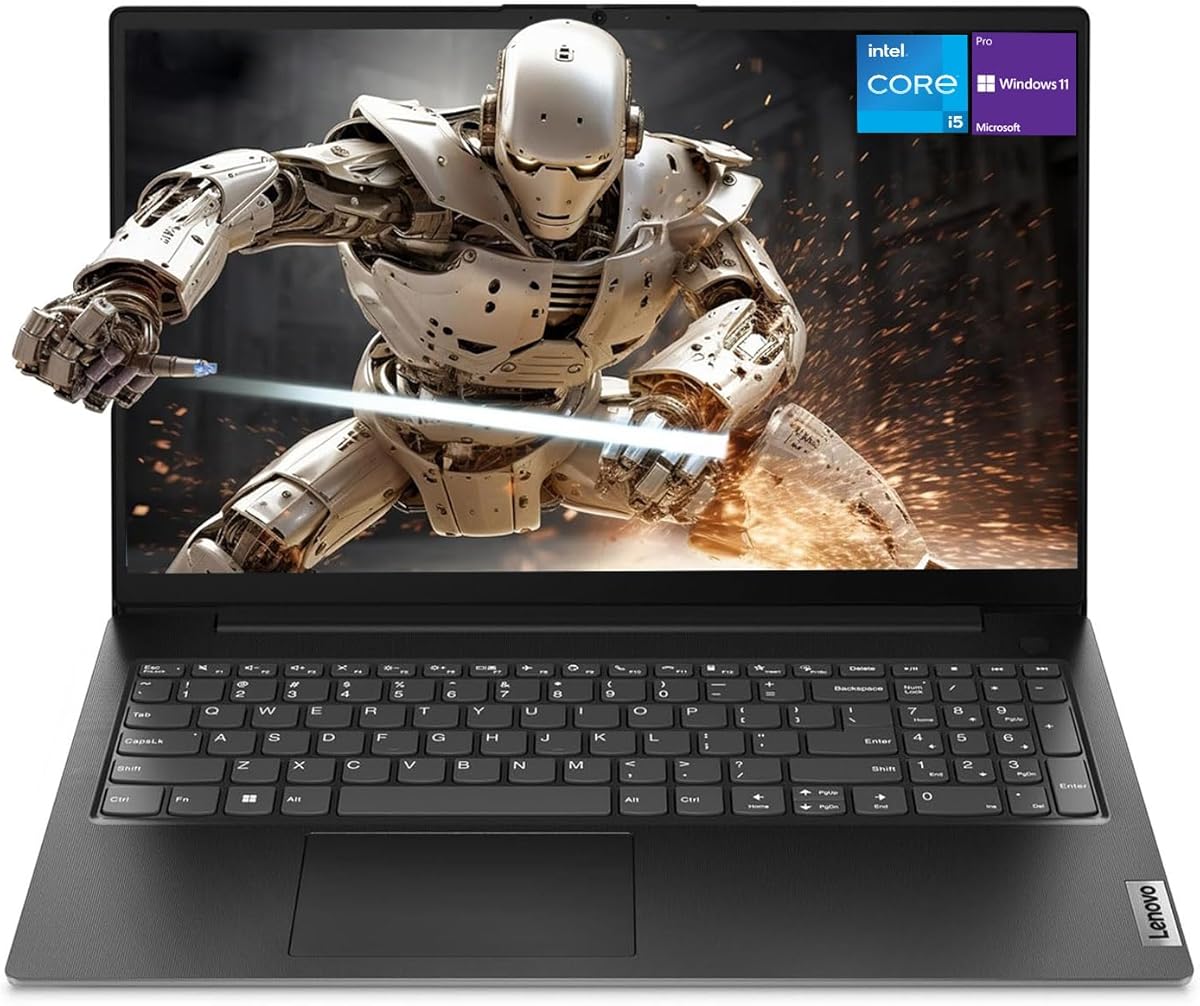
When shopping for a budget-friendly business laptop like the Lenovo V15 Gen 4, you need to focus on how the specifications align with your daily workflows rather than just the price tag. This model offers a 15.6-inch Full HD display, an Intel Core i5-13420H processor that can outperform some i7 chips, and essential ports like HDMI and RJ45, making it a solid contender for office tasks and remote work.
Key Considerations Before Buying
- Processor choice is critical: The i5-13420H in this Lenovo V15 Gen 4 includes performance and efficiency cores, which can handle multitasking better than some older i7 models, especially for spreadsheet-heavy or video conferencing workloads.
- Memory and storage configurations matter: With 16GB of RAM and a 512GB SSD, this model is well-suited for running multiple applications simultaneously, but ensure these specs match your needs as they are not upgradeable in all versions.
- Port selection for business use: The inclusion of HDMI and RJ45 Ethernet ports is a key advantage for connecting to external monitors and wired networks, which is often missing in thinner consumer laptops.
What Our Analysts Recommend
In business laptops like the Lenovo V15 Gen 4, prioritize models that offer a numeric keypad for data entry, a reliable webcam for video calls, and a durable build that can withstand daily commuting. Also, verify the operating system version, as Windows 11 Pro provides enhanced security and management features over Home editions.
Traditional Laptops Market Context
Market Overview
The traditional laptop market is increasingly segmented, with business models like the Lenovo V15 Gen 4 competing against ultraportables and gaming laptops. These devices emphasize productivity features such as full-size keyboards, security options, and connectivity, often at lower price points than premium counterparts.
Common Issues
Common issues in this category include inconsistent build quality, limited upgrade paths, and pre-installed bloatware that can slow down performance. Users should also check for thermal management, as sustained workloads can cause throttling in budget-focused designs.
Quality Indicators
Key quality indicators include the use of a solid-state drive (SSD) like the 512GB unit here, a high-resolution display (1080p or better), and a robust warranty. Verified reviews that detail real-world use, such as battery life and keyboard comfort, are strong signals of a reliable product.
Review Authenticity Insights
Grade B Interpretation
The Grade B authenticity rating, with an estimated 10% fake review rate, suggests that while the majority of feedback is genuine, you should still approach the reviews with a critical eye. This is typical for popular business laptops where some incentivized or overly positive reviews may slip through.
Trust Recommendation
Given the high adjusted rating of 4.60/5 and strong signals of authentic user experiences, you can generally trust the product's performance claims. However, focus on reviews that mention specific tasks like video conferencing or data entry, as these are more likely to reflect real ownership.
Tips for Reading Reviews
When reading reviews for this Lenovo V15 Gen 4, look for detailed comments about the keyboard feel, screen brightness, and fan noise during prolonged use. Beware of reviews that lack specifics or use generic praise, as they may be among the 10% identified as potentially fake.
Expert Perspective
The Lenovo V15 Gen 4 with a 15.6-inch FHD display and Core i5-13420H offers strong value for business users who need a no-frills workhorse. The processor's hybrid architecture provides a noticeable performance boost over older i7 models, while the inclusion of essential ports and a numeric keypad enhances productivity. The high adjusted rating of 4.60/5, supported by mostly genuine reviews, reinforces its reliability for everyday tasks like document editing and web browsing.
Purchase Considerations
Before buying, consider if the 15.6-inch screen and full keyboard are suitable for your workspace, as this laptop is larger and heavier than ultraportable alternatives. Also, weigh the 16GB RAM and 512GB SSD against your typical workload; if you handle large files or virtual machines, you may need more storage or memory.
Comparing Alternatives
Shoppers should compare this model with other business laptops like the Dell Latitude 3000 series or HP ProBook 450, which offer similar specs but may differ in build quality or warranty support. This comparison will help ensure you get the best fit for your budget and use case.