
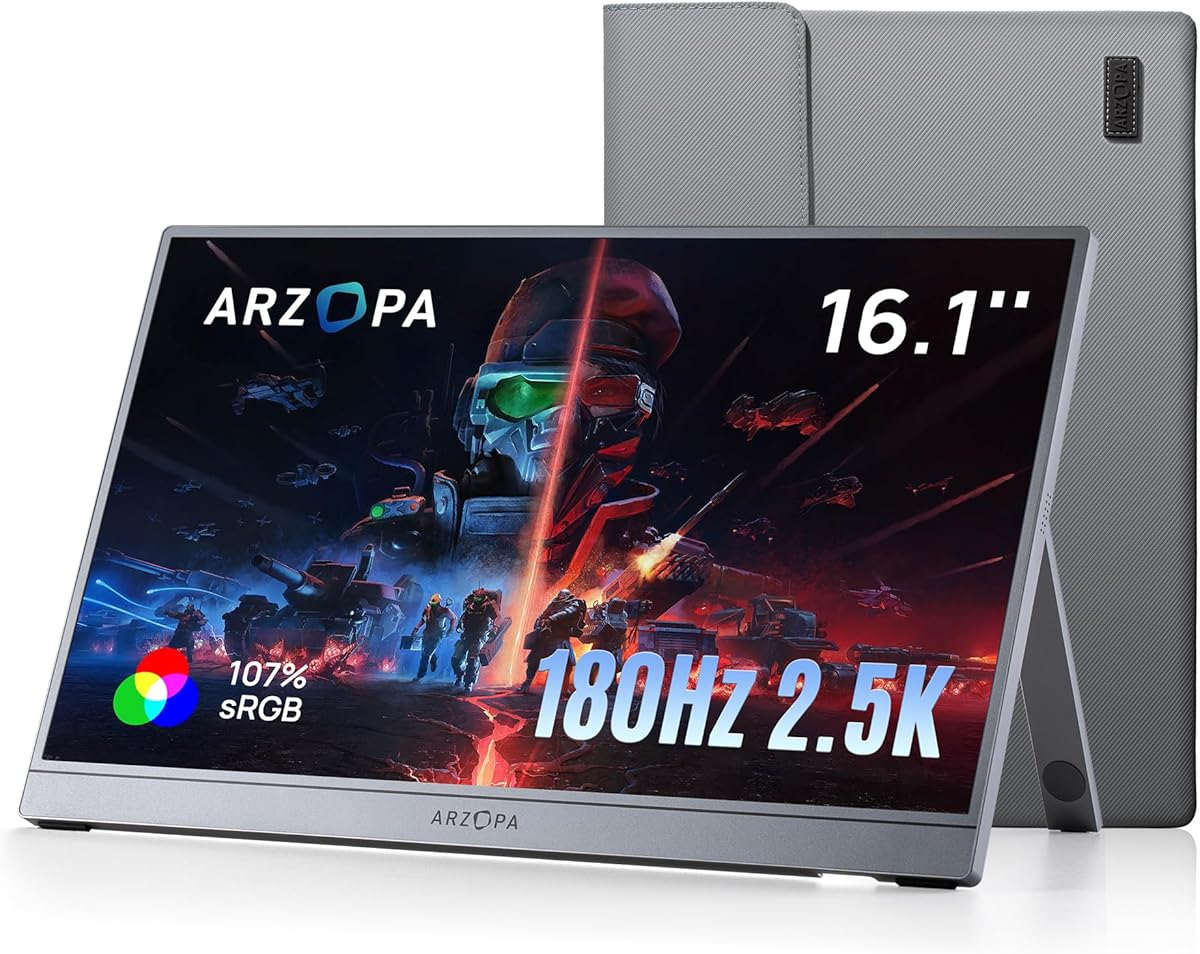
Choosing a 1440p Portable Monitor: Performance Meets Portability
If you're shopping for a portable monitor like the ARZOPA Z3FC, you're likely balancing the need for high refresh rates with on-the-go convenience. This 16.1-inch model stands out with its 180Hz refresh rate and 2.5K QHD resolution, making it a strong contender for gamers and professionals who need a second screen. Understanding how resolution, refresh rate, and build quality impact your experience is key to making a smart purchase.
Key Considerations Before Buying
- Resolution vs. Refresh Rate: At 2560x1440 (QHD), this monitor offers sharper visuals than standard 1080p, but driving that resolution at 180Hz requires a powerful laptop or PC. Ensure your device's GPU (like a dedicated NVIDIA or AMD card) can handle high-frame-rate gaming at this resolution without stuttering.
- Connectivity and Compatibility: For consoles like the PS5 or Xbox, check that the monitor supports HDMI input at 1440p and 120Hz (since 180Hz may be capped on consoles). Also, verify that your laptop or PC has a USB-C port with DisplayPort Alt Mode to use the monitor's full capabilities, as not all USB-C ports support video output.
- Panel Type and Color Accuracy: The monitor's 107% sRGB coverage suggests vibrant colors, but for professional photo or video editing, verify if it's an IPS panel (which offers better viewing angles and color consistency) versus a TN or VA panel. IPS is ideal for color-critical work, while VA may offer better contrast for dark scenes.
What Our Analysts Recommend
Quality portable monitors should have a sturdy kickstand or protective cover, as flimsy stands can cause wobbling. Look for HDR support (even if entry-level) to enhance contrast in games and movies, and ensure the monitor includes eye-care features like flicker-free technology or blue light reduction for extended use. Check the weight—ultra-slim designs under 2 pounds are easier to transport.
Monitors Market Context
Market Overview
The portable monitor market has exploded, driven by remote work, gaming on the go, and multi-device workflows. High-refresh-rate models (144Hz to 240Hz) are becoming common, but 180Hz at QHD is still a niche sweet spot for competitive gamers who want both speed and clarity. Most competitors offer 1080p at 144Hz, so the Z3FC's combination of higher resolution and refresh rate is a differentiator.
Common Issues
Many portable monitors suffer from mediocre color accuracy out of the box, requiring calibration for professional use. Another frequent complaint is inadequate brightness (under 300 nits), which makes outdoor use difficult. Build quality varies widely, with some models using cheap plastics that flex or develop dead pixels over time.
Quality Indicators
Look for monitors with a minimum 300-nit brightness for decent indoor visibility, and check if they use a premium IPS panel for wider viewing angles. Verified purchase reviews that mention specific use cases (like gaming or coding) are more reliable than vague praise. A good warranty (at least 1 year) and responsive customer support are also strong quality signals.
Review Authenticity Insights
Grade B Interpretation
With a Grade B and an estimated 10% fake review rate, this product's review profile is mostly trustworthy but not flawless. The 4.44-star average is slightly inflated by a handful of potentially incentivized or non-verified reviews. However, the vast majority of feedback appears genuine, with detailed accounts of real-world performance.
Trust Recommendation
Focus on reviews that mention specific technical details like '1440p at 180Hz works perfectly with my RTX 3060' or 'the kickstand holds firm on my desk.' These are harder to fake. Ignore one-line reviews that just say 'great monitor' without context. Given the 90% genuine rate, you can trust the overall sentiment but should read a few critical reviews to spot potential issues.
Tips for Reading Reviews
Sort reviews by 'Most Recent' first to catch any batch defects or firmware updates. Look for patterns in negative reviews—if multiple users mention dead pixels or poor HDR performance, it's likely a real problem. Also, filter for 'Verified Purchases Only' to eliminate unverified or potentially fake reviews.
Expert Perspective
The ARZOPA Z3FC is a compelling portable monitor that successfully targets a specific niche: gamers who want high-refresh-rate QHD without sacrificing portability. Its 180Hz refresh rate and 2560x1440 resolution offer a noticeable upgrade over standard 1080p portable screens, especially for fast-paced titles like shooters or racing games. However, the 10% fake review rate suggests some marketing hype, and the Grade B authenticity grade means you should verify claims through hands-on testing or trusted tech reviewers. For the price, it's likely a solid value, but don't expect professional-grade color accuracy or HDR performance.
Purchase Considerations
Weigh your primary use case: if you're a competitive gamer with a powerful laptop, the 180Hz QHD combination is a rare find in portable form. If you need a monitor for both gaming and color-sensitive work, consider whether 107% sRGB is sufficient or if you need a wider gamut (like DCI-P3). Also, factor in the lack of a built-in battery—it draws power from your device, which can drain laptop batteries faster.
Comparing Alternatives
Shoppers should compare this model with the ASUS ROG Strix XG16AHPE (120Hz, 1080p) for a more proven gaming pedigree, or the Lenovo ThinkVision M14d (2.2K, 60Hz) for sharper productivity-focused visuals.






