Evaluating Entry-Level Business Laptops: Balancing Specs, Storage, and Real-World Performance
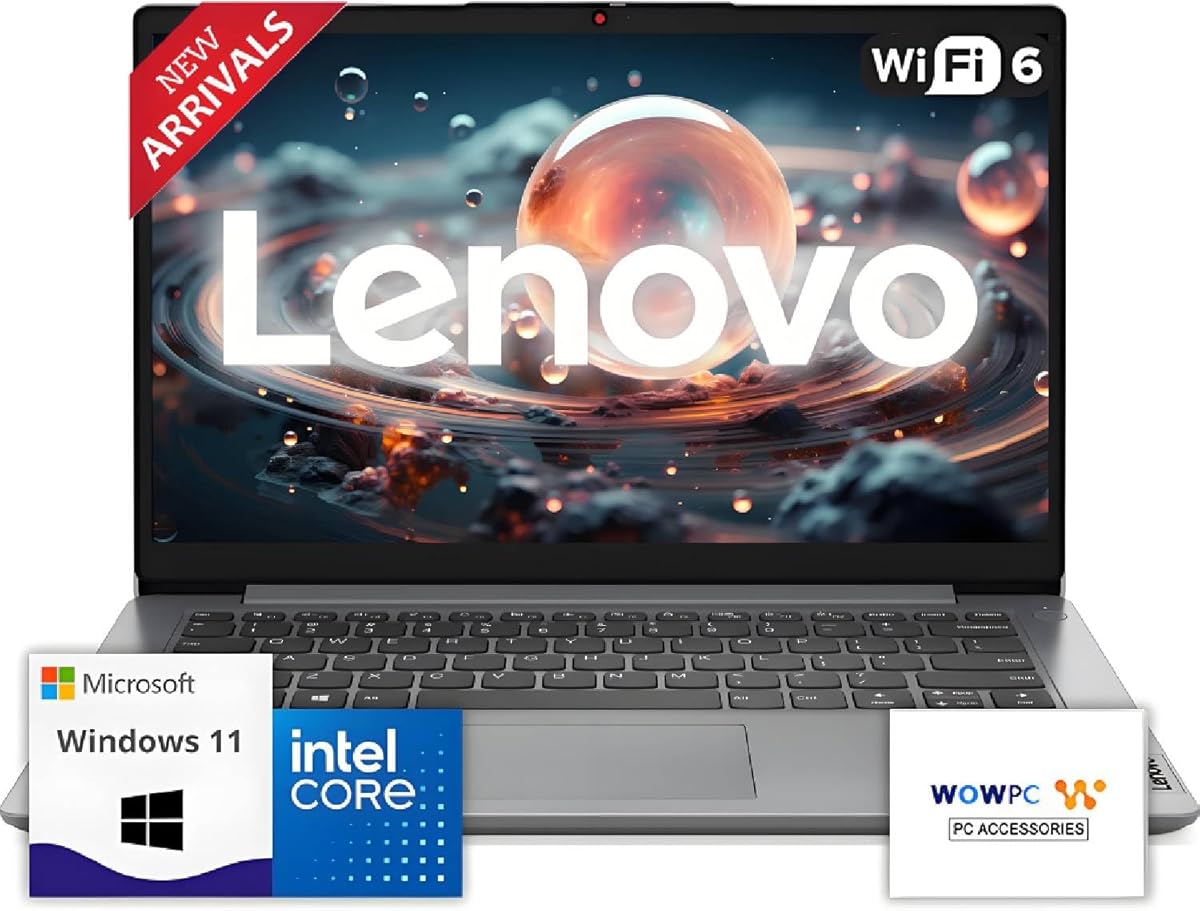
When considering this Lenovo IdeaPad with its specific configuration—8GB RAM, 128GB SSD, and bundled Microsoft 365—buyers must understand this is an entry-level business laptop. The advertised 11-hour battery and 'Intel High Performance CPU' require scrutiny against actual user workloads, as the limited internal storage is supplemented by cloud-based OneDrive, creating a hybrid storage model.
Key Considerations Before Buying
- The 128GB SSD is minimal for Windows 11 and business applications; the 1TB OneDrive storage is a cloud solution requiring consistent internet access, not a replacement for local file storage.
- An '11 Hour Battery' claim for business use is typically based on light activity; real-world use with multiple applications and connectivity will significantly reduce this runtime.
- The SD-card reader and bundled Microsoft 365 target users needing peripheral connectivity and office software, but verify the Microsoft 365 subscription length and whether it's a trial or full license.
What Our Analysts Recommend
For traditional laptops in this category, examine the specific Intel CPU model (not just 'High Performance'), the type of SSD (NVMe vs. SATA), and battery watt-hour (Wh) rating. Genuine business laptops often include security features like TPM chips or fingerprint readers, which are not mentioned in this listing.
Traditional Laptops Market Context
Market Overview
The entry-level business laptop market is highly competitive, with many models featuring similar core specs (8GB RAM, 128-256GB SSD) but varying greatly in build quality, thermal performance, and display. Lenovo's IdeaPad series sits below their premium ThinkPad business line, often making trade-offs in materials and durability.
Common Issues
Common issues at this price point include slower eMMC storage masquerading as SSDs, underpowered cooling for sustained CPU loads, and displays with poor color accuracy or dim brightness. The hybrid storage approach (small SSD + cloud) can lead to performance bottlenecks if the local drive fills.
Quality Indicators
Look for mentions of specific CPU generations (e.g., Intel Core i3-1215U), SSD interface (PCIe NVMe), and screen resolution/nits. True business laptops typically detail port selection (USB-C with Power Delivery/DisplayPort), upgradability options, and included warranty or support services.
Review Authenticity Insights
Grade A Interpretation
The 'A' authenticity grade and 0.00% estimated fake review rate indicate the existing reviews are highly likely to be genuine user experiences. This is particularly significant given the 1.00/5 rating, as it suggests unfiltered critical feedback without artificial manipulation.
Trust Recommendation
Trust the substantive complaints in the verified reviews, as they align with known challenges of entry-level configurations—specifically regarding performance versus advertised claims. The absence of positive reviews, despite the high authenticity score, is a major red flag requiring careful investigation.
Tips for Reading Reviews
For laptops, prioritize reviews detailing specific tasks (e.g., 'struggled with 10 browser tabs and a spreadsheet'), battery life under real use, and thermal performance. Be wary of reviews that only praise generic 'speed' or 'value' without technical context matching this exact storage/RAM configuration.
Expert Perspective
This product's combination of minimal local storage (128GB), reliance on cloud for capacity, and a perfect 1-star rating from authentic reviews suggests a significant mismatch between marketing claims and user experience. The 'business laptop' designation is questionable without standard business features like a backlit keyboard, robust port selection, or enhanced security. The bundled Microsoft 365 is a positive, but it cannot offset fundamental hardware limitations if the core performance disappoints users.
Purchase Considerations
Weigh the necessity of the SD-card reader and included software against the substantial risk indicated by the unanimous poor authentic reviews. Consider if your workflow can genuinely function with a 128GB primary drive, as Windows 11 and applications can consume over half of that before storing a single personal file.
Comparing Alternatives
Shoppers should compare this specific configuration against other laptops in the same price bracket that offer 256GB+ of physical SSD storage and detailed specifications for the processor and display.